
What “good meeting notes” actually mean and where most tools fail
Before comparing tools, it helps to define what you’re actually trying to get out of them.
Good meeting notes are not transcripts. They are usable outputs.
That means four things:
- Accurate transcription
Not perfect word-for-word, but reliable enough that you don’t second-guess what was said - Smart summarization
Not just shorter text, but meaningful compression of discussion into decisions - Clear action items
Who is doing what, with deadlines or context - Easy sharing
Something you can send without rewriting or explaining
Most tools get one or two of these right. Very few get all four right consistently.
And that’s why people still end up editing notes manually.
Before the meeting, where most tools barely help
This is the least developed part of the workflow, but it still matters more than people think.
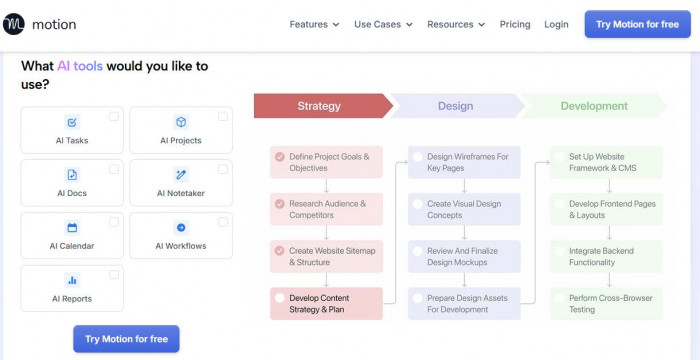
Tools like Motion AI (https://www.usemotion.com/) and Notion AI (https://www.notion.com/) try to reduce prep work. They help with:
- Agenda creation
- Scheduling optimization
- Structuring meeting notes beforehand
Motion focuses more on scheduling. It reshuffles your calendar automatically and tries to fit meetings into optimal time slots. It reduces the mental overhead of planning, but it doesn’t directly improve note quality.
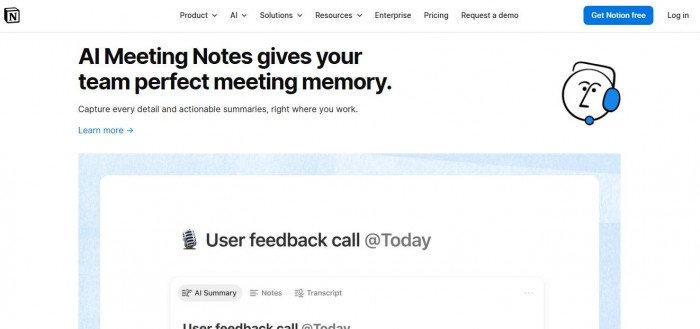
Notion AI is more flexible. You can generate an agenda, pre-structure a document, and prepare templates. The benefit is subtle but real. When your notes already have structure before the meeting starts, the AI that comes later performs better.
Still, neither of these tools eliminates effort. They reduce friction, not workload.
The real shift happens once the meeting begins.
During the meeting: where tools either disappear or become annoying
This is where most people notice the difference immediately.
A good tool should feel invisible. It should capture everything without forcing you to think about it.
A bad tool interrupts your flow, adds lag, or creates anxiety about whether it’s working correctly.
Fireflies.ai (https://fireflies.ai/)
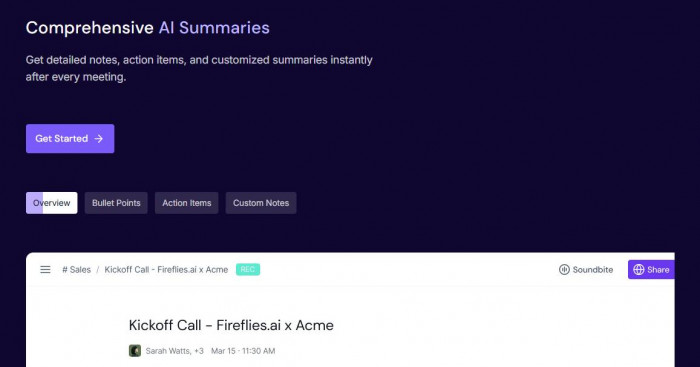
Fireflies sits directly in your meeting as a bot and records everything.
What it replaces:
It removes the need to take notes entirely. You can focus on the conversation and trust that everything is being captured.
Where it works best:
It performs consistently across Zoom, Google Meet, and Teams. The transcription accuracy is solid, especially for structured conversations.
Where it fails:
It can feel slightly intrusive because it joins as a participant. Some teams don’t like that presence. Also, while transcription is strong, summaries are not always clean enough to use without editing.
Pricing is straightforward. There is a free plan, and paid plans start around $10–$18 per user per month, depending on billing.
On platforms like G2, Fireflies typically sit around the mid-4 range, which reflects reliability more than innovation.
Otter.ai (https://otter.ai/)
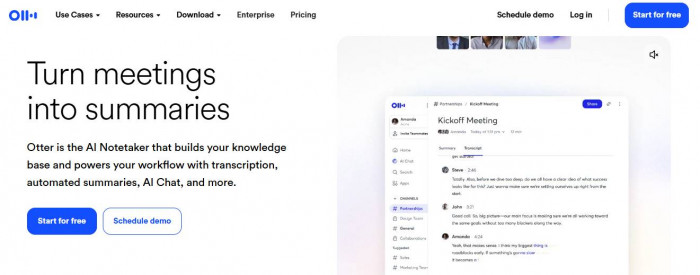
Otter is one of the most widely used tools in this category.
What it replaces:
It replaces both note-taking and partial memory. You can revisit conversations easily with searchable transcripts.
Where it works best:
Speed and simplicity. It starts quickly, integrates easily, and works well for solo users or small teams.
Where it fails:
Structure. Otter captures conversations well, but it does not organize them into clean, actionable outputs. You often end up scanning or editing summaries.
It feels like a recorder with AI layers, not a full meeting assistant.
Pricing starts with a free tier, with paid plans typically around $10–$20 per month.
Otter’s strength is accessibility. Its weakness is that it does not eliminate post-meeting work.
Fathom (https://www.fathom.ai/)
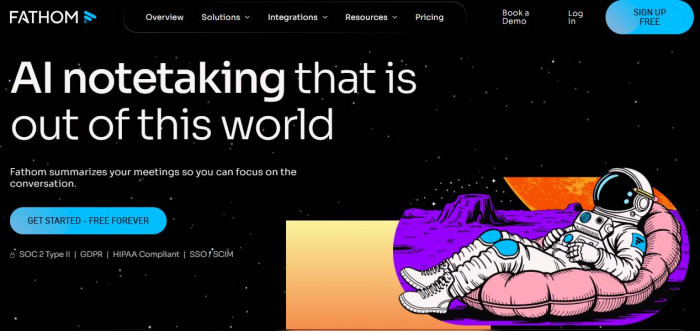
Fathom approaches meetings differently.
What it replaces:
Instead of trying to give you everything, it focuses on capturing key moments and generating cleaner summaries.
Where it works best:
Minimal friction. It integrates well with Zoom and does not overwhelm you with raw transcripts. Summaries are sharper and easier to share.
Where it fails:
Coverage depth. If you want full transcripts and detailed breakdowns, Fathom can feel lighter than tools like Fireflies.
But for most people, that is actually an advantage.
Fathom has a generous free plan, with premium tiers for teams.
In practice, this is one of the few tools that actually reduces effort instead of shifting it.
After the meeting, where most tools either save you or waste your time
This is where the real value is created.
If you still need to edit summaries, clarify action items, or rewrite notes, the tool has failed its primary job.
This is where tools like Sembly, Avoma, and Supernormal try to go further.
Sembly AI (https://www.sembly.ai/)
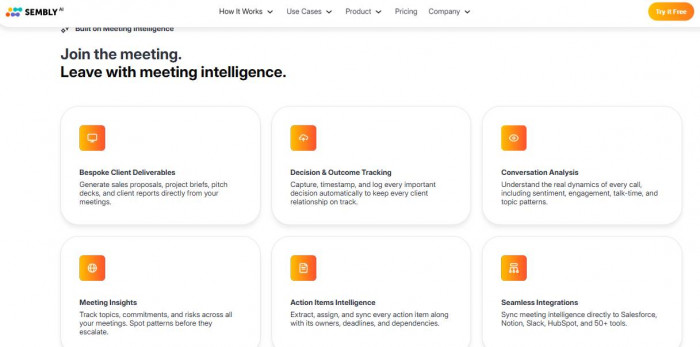
Sembly focuses heavily on extracting structured insights.
What it replaces:
Manual note organization. It turns conversations into categorized outputs like decisions, risks, and tasks.
Where it works best:
Detailed breakdowns. If your meetings are complex or involve multiple stakeholders, Sembly helps you track what matters.
Where it fails:
Over-processing. Sometimes it produces too much structure, which requires filtering.
It is powerful, but not always efficient.
Pricing typically starts around $10–$20 per month with higher tiers for teams.
Avoma (https://www.avoma.com/)
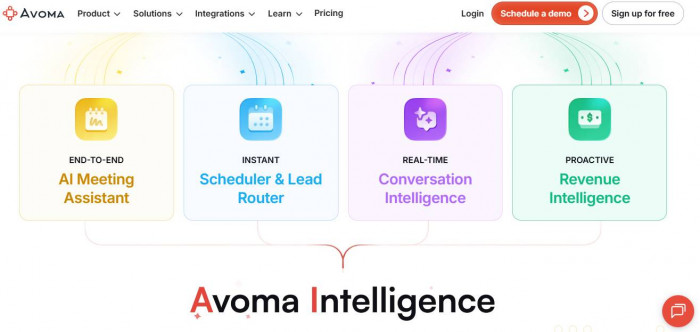
Avoma is built more for teams than individuals.
What it replaces:
Not just note-taking, but also meeting analysis, coaching, and CRM updates.
Where it works best:
Sales and team environments. It connects meetings to outcomes and tracks patterns across conversations.
Where it fails:
Complexity. It is not lightweight. For simple meetings, it can feel like overkill.
Pricing starts higher than most tools, often around $20–$30 per user per month, and scales up quickly for advanced features.
Avoma is not just a note tool. It is a meeting intelligence platform.
Supernormal (https://www.supernormal.com/)
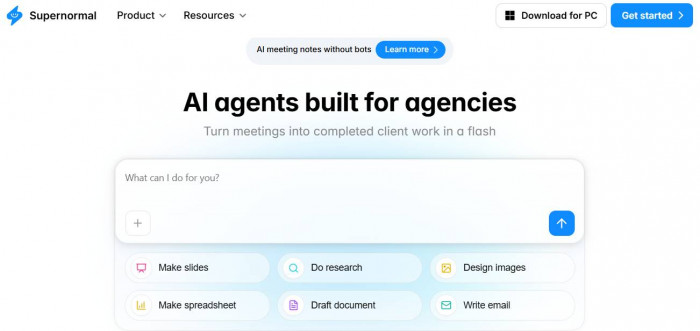
Supernormal focuses on quick summaries and integrations.
What it replaces:
Manual summarization and sharing.
Where it works best:
Speed. It generates summaries quickly and integrates well with tools like Google Docs and Slack.
Where it fails:
Depth. The summaries are clean but sometimes lack nuance.
This is useful when you want something you can send immediately without editing, but it may not capture every detail.
Pricing includes a free tier, with paid plans starting around $15 per month.
The comparison that actually matters
Instead of features, here is what these tools really look like when you use them.
| Tool | Starting Price | Best For | Weakness |
| Fireflies.ai | Free / ~$10+ | Reliable capture across platforms | Summaries need editing |
| Otter.ai | Free / ~$10+ | Simple recording and transcription | Weak structure |
| Fathom | Free / Paid tiers | Clean summaries with low friction | Less detailed transcripts |
| Sembly AI | ~$10+ | Detailed insights and categorization | Can be overwhelming |
| Avoma | ~$20+ | Team meetings and sales workflows | Complex and expensive |
| Supernormal | Free / ~$15+ | Fast, shareable summaries | Limited depth |
This table is not about features. It is about how much work each tool actually removes.
How to actually choose without overthinking it
Most people overcomplicate this decision.
The right tool depends on what you want to eliminate.
If your main problem is missing details, you need strong capture:
- Fireflies.ai is the safest choice
- Otter.ai works if you want something simpler
If your main problem is rewriting notes, you need better summaries:
- Fathom stands out here
- Supernormal is a good secondary option
If your main problem is team coordination and follow-ups, you need structure:
- Avoma is built for this
- Sembly works if you prefer more detailed breakdowns
The mistake is trying to use one tool for everything.
Different tools optimize different parts of the workflow.




Comments