
There is a moment most people hit with Grammarly where it quietly stops being impressive.
At first, it feels like a safety net. You paste something in, it cleans up grammar, suggests a few tone tweaks, maybe catches an awkward sentence you did not notice. For emails, quick drafts, and everyday writing, it works well enough that you stop thinking about it.
But the cracks show up when writing becomes more serious.
Long-form content starts to feel repetitive even after Grammarly edits it. Academic writing needs more structural feedback than surface corrections. Rewriting sounds slightly mechanical. And then there is cost, which starts to feel harder to justify once you realize it is mostly correcting sentences, not improving thinking.
That is usually when people start looking sideways at alternatives, not because Grammarly is bad, but because it is incomplete.
Where Grammarly Starts to Feel Limited
Grammarly is very good at correcting language, but not always at improving writing.
There is a difference between the two. One fixes errors. The other shapes clarity, rhythm, and intent.
For example:
- In essays, Grammarly rarely questions structure or argument flow
- In content writing, it often pushes toward safe, generic phrasing
- In rewriting, it improves grammar but not originality
- In multilingual writing, it feels narrow compared to broader tools
Once you notice this, you stop asking “is this correct” and start asking “is this actually good writing?”
That is where alternatives begin to matter.
A Quick Comparison Before We Dive In
| Tool | Best Strength | Weak Area | Ideal User |
| ProWritingAid | Deep analysis | Slower interface | Long-form writers |
| QuillBot | Rewriting | Limited grammar depth | Students, quick edits |
| LanguageTool | Multilingual accuracy | UI polish | Global users |
| Hemingway Editor | Clarity and readability | No grammar depth | Bloggers, editors |
| Ginger Software | Translation + grammar | Less advanced AI | Everyday users |
This table looks simple, but it reflects a deeper reality. No single tool replaces Grammarly entirely. Each one fills a specific gap Grammarly leaves behind.
When Writing Gets Longer, Grammarly Starts to Feel Shallow
This is where ProWritingAid enters naturally.
If Grammarly feels like a spell checker with polish, ProWritingAid feels more like a writing coach. It does not just fix sentences, it analyzes them.(ProWritingAid)
You start seeing reports about sentence variety, pacing, overused words, and structural issues. At first, it feels excessive. But when you are working on something long, like an article or essay, it becomes surprisingly useful.
Compared to Grammarly, it is less about speed and more about depth.
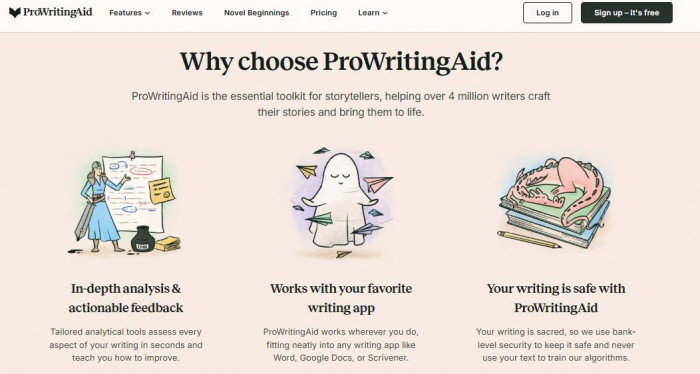
Where it performs better
- Detailed reports on writing style and structure
- Better for long-form content and editing drafts
- Highlights patterns instead of just mistakes
Where it is weaker
- The interface can feel slower and heavier
- Not ideal for quick writing tasks
Who should use it
- Bloggers, researchers, long-form writers
What becomes clear over time is that Grammarly helps you write correctly, while ProWritingAid helps you write deliberately.
When You Do Not Want to Fix a Sentence, You Want to Rewrite It
Grammarly tries to do rewriting, but it often plays it safe. The suggestions feel like mild improvements rather than real alternatives.
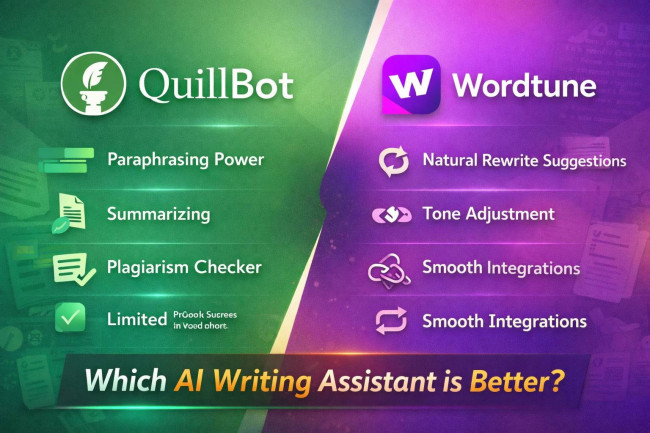
That is where QuillBot feels different. (QuillBot)
QuillBot is not trying to correct you. It is trying to rephrase you.
You paste a sentence, and instead of minor tweaks, it gives you multiple variations with different tones. Some are better, some are worse, but the range itself is useful.
Compared to Grammarly, it feels more creative but less reliable.
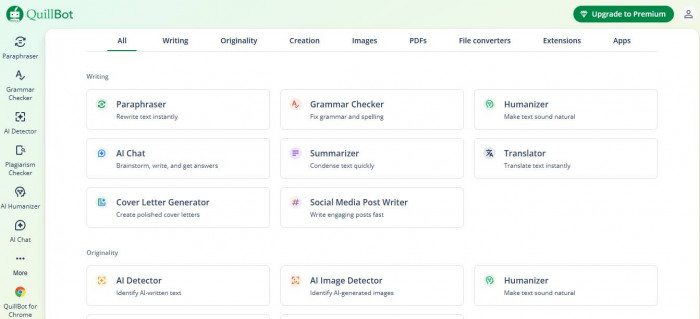
Where it performs better
- Strong paraphrasing and sentence rewriting
- Multiple tone variations
- Useful for avoiding repetition
Where it is weaker
- Grammar correction is not as strong
- Can sometimes distort meaning
Who should use it
- Students, content writers, and quick rephrasing needs
In real use, QuillBot becomes a companion tool rather than a replacement. You fix the sentence in Grammarly, then reshape it in QuillBot.
Writing in Multiple Languages Changes Everything
Grammarly still feels very English-first. It works best when you stay within that boundary.
But the moment you switch languages, or even mix them, it starts to lose precision.
That is where LanguageTool quietly stands out.
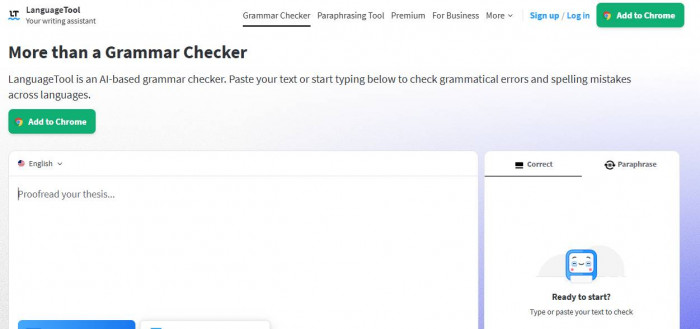
It supports a wide range of languages, and more importantly, it understands context better than expected. It does not feel as polished as Grammarly, but it feels more flexible. (LanguageTool)
Where it performs better
- Strong multilingual support
- Works well for non-native English writing
- More forgiving with mixed language usage
Where it is weaker
- The interface is simpler
- Suggestions are less refined stylistically
Who should use it
- Multilingual writers, international users
If Grammarly feels like a premium English editor, LanguageTool feels like a global writing assistant.
When Simplicity Is the Entire Point
Sometimes the problem is not grammar at all. It is clarity.
You write something, and technically it is correct, but it is hard to read.
This is where Hemingway Editor does something Grammarly does not even attempt.
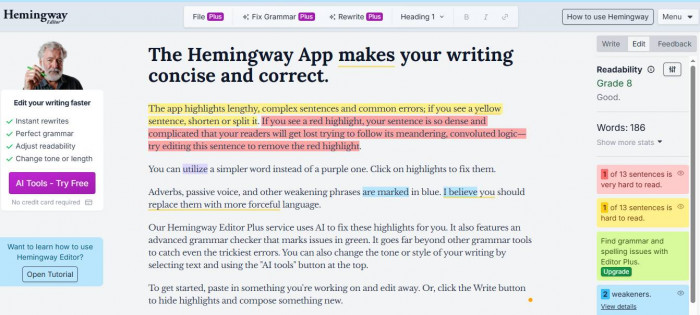
It strips writing down to its core.
No advanced AI, no rewriting engine, no complex suggestions. It simply highlights what is hard to read and forces you to simplify it.
Compared to Grammarly, it feels almost harsh. (Hemingway)
Where it performs better
- Identifies complex and hard-to-read sentences
- Encourages clarity and brevity
- Great for editing content tone
Where it is weaker
- No grammar correction
- No rewriting features
Who should use it
- Bloggers, editors, content writers
In practice, Hemingway works best after everything else. You write, you correct, and then you simplify.
A More Traditional Alternative That Still Has Its Place
Ginger Software sits somewhere between older grammar tools and newer AI platforms.
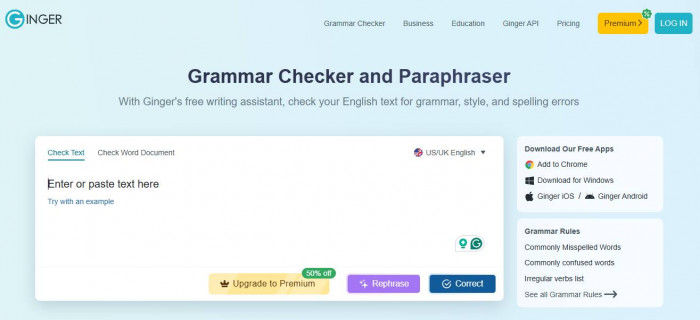
It does not feel as advanced as Grammarly, but it does something interesting by combining grammar correction with translation and sentence rephrasing in a simpler interface. (Ginger)
Compared to Grammarly, it feels less ambitious, but also less overwhelming.
Where it performs better
- Integrated translation and grammar correction
- Simple and accessible interface
Where it is weaker
- Less advanced AI suggestions
- Limited depth for professional writing
Who should use it
- Casual users, everyday writing tasks
It is not trying to be the smartest tool. It is trying to be the most usable.
Looking at Performance More Closely
| Tool | Accuracy | Ease of Use | Writing Depth | What This Actually Means |
| Grammarly | High | Very easy | Moderate | Reliable for catching grammar and tone quickly, but does not deeply improve writing structure or originality |
| ProWritingAid | High | Medium | Very deep | Strong for long-form editing and detailed analysis, helps refine writing patterns over time rather than just fixing errors |
| QuillBot | Medium | Easy | Moderate | Best suited for rewriting and paraphrasing, useful for variation but not always precise with meaning |
| LanguageTool | High | Easy | Moderate | Accurate grammar checking across multiple languages, practical for global users but less stylistically refined |
| Hemingway Editor | Low | Very easy | High clarity | Focuses on readability and simplicity, does not correct grammar but improves how easy content is to read |
| Ginger Software | Medium | Easy | Low | Simple grammar and translation support, good for basic writing but lacks depth for professional use |
This table reflects something subtle but important.
Grammarly scores high in accuracy and ease, which explains its popularity. But writing depth is where it starts to fall behind tools like ProWritingAid.
Hemingway scores low in accuracy because it is not even trying to correct grammar. Its strength is clarity, which is a different dimension altogether.
What Happens in Real Writing Scenarios
Writing an essay, ProWritingAid tends to outperform Grammarly because it helps you refine structure and avoid repetition across paragraphs.
Drafting emails, Grammarly still feels like the easiest option. It is fast, lightweight, and does not interrupt your flow.
Rewriting content, QuillBot becomes more useful because it offers variation instead of correction.
Writing in multiple languages, LanguageTool feels more natural and less restrictive.
Editing for clarity, Hemingway forces you to confront weak writing in a way Grammarly never does.
And if you just want something simple that works without complexity, Ginger is still relevant.
Choosing Tools Based on How You Think, Not Just What You Write
What becomes clear after using all of these is that writing tools are not interchangeable.
They reflect different philosophies.
1. Grammarly is built for correctness.
2. ProWritingAid is built for improvement.
3. QuillBot is built for transformation.
4. LanguageTool is built for flexibility.
5. Hemingway is built for clarity.
6. Ginger is built for simplicity.
The mistake most people make is trying to find one tool that does everything.
In reality, writing itself is not one thing. It is drafting, correcting, rewriting, simplifying, and refining. No single tool handles all of that equally well.
The interesting shift now is that writing tools are moving beyond grammar into something closer to thinking assistance. They are starting to influence how ideas are shaped, not just how sentences are written.
That is where the next wave will likely emerge.
Not tools that correct your writing, but tools that help you decide what to say in the first place.
And when that happens, Grammarly will not disappear. It will simply become one piece of a much larger system.





Comments