
ClickUp usually stops working for people at the same moment. Not because it lacks features, but because it has too many of them.
You open it to manage a few tasks, and suddenly you are navigating spaces, folders, lists, views, automations, dashboards, permissions, and custom fields. What starts as flexibility quickly turns into friction. Instead of reducing work, the system becomes something you have to manage.
For many users, the issue is not capability. It is cognitive load. The platform asks you to make too many decisions before you can actually get anything done. Add performance slowdowns on larger workspaces, and the experience starts to feel heavy rather than helpful.
That is usually the breaking point. Not missing features, but too much system.
The Different Types of Users Leaving ClickUp
Before choosing an alternative, it helps to identify your situation clearly. Most users leaving ClickUp fall into one of four categories.
Some people just want simplicity. They do not need dashboards, automations, or workflows. They want to write tasks, set deadlines, and move on.
Others want structure, but without chaos. They still need projects, timelines, and dependencies, but in a cleaner, more guided system.
Then there are teams. For them, ClickUp becomes difficult not because of features, but because onboarding others becomes slow and confusing.
Finally, there are users who actually liked ClickUp’s all-in-one approach but struggled with performance or interface overload. They are not looking for less power. They want cleaner execution.
Once you identify which group you belong to, the alternatives stop feeling random.
If You Want Something Simpler
If your main frustration with ClickUp is complexity, the best move is not to replace it with another “project management tool.” It is to step down into something focused.
Tools like Todoist and TickTick exist in a completely different mindset.
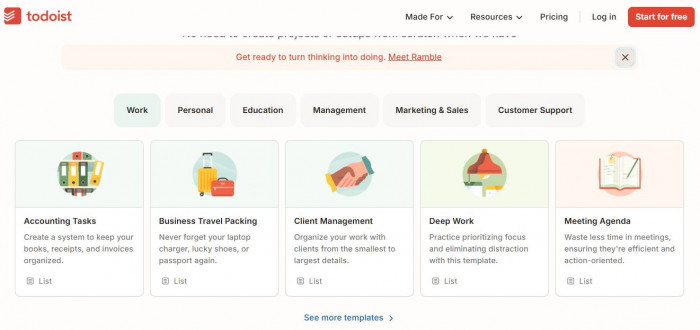
Todoist strips everything down to essentials. You open it, type a task, assign a date, and move on. There are projects and labels, but they never get in your way. The interface is fast, predictable, and consistent across devices. Pricing starts around $4 per month, and it holds strong ratings across platforms, typically above 4.5 on Capterra. (https://www.todoist.com/)
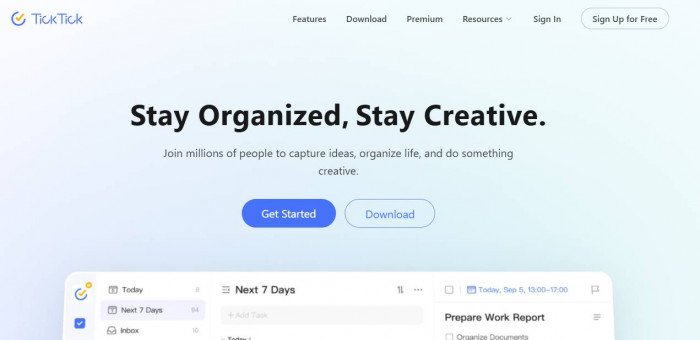
TickTick follows a similar approach but adds small layers on top. It includes habit tracking, a built-in calendar view, reminders, and a slightly richer planning experience. Pricing starts around $3 per month, which makes it one of the most cost-effective tools in this space. (https://ticktick.com/)
The key difference compared to ClickUp is not features. It is mental effort. You do not need to design your system before using it.
The downside is clear. You lose depth. There are no complex workflows, no automation chains, no multi-layered project structures. If you are managing multiple stakeholders or detailed projects, these tools will feel limiting.
But for individuals or light workflows, they often outperform ClickUp simply because they stay out of your way.
If You Still Want Power, Just Less Mess
Some users do not want to lose functionality. They just want something that feels more controlled and predictable.
This is where tools like Asana and Monday.com come in.
Asana is one of the closest alternatives to ClickUp in terms of capability, but its structure is far more guided. Projects, tasks, and timelines are clearly defined. You do not have to decide how to structure everything. The system already has opinions. (https://asana.com/)
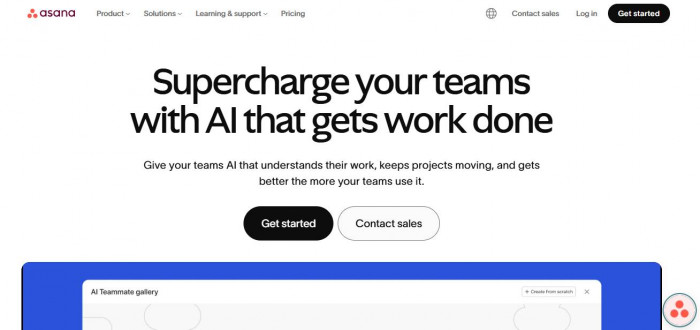
Pricing starts around $10.99 per user per month, and ratings consistently sit around 4.5 across G2 and Capterra.
What feels better than ClickUp is clarity. You spend less time configuring and more time working. Task dependencies, timelines, and workflows are easier to understand.
But you lose flexibility. Asana does not let you customize everything the way ClickUp does. For some users, that is a benefit. For others, it feels restrictive.
Monday.com takes a slightly different approach. It is more visual and spreadsheet-like. Boards, columns, and automations are easier to grasp, especially for non-technical users. (https://monday.com/)
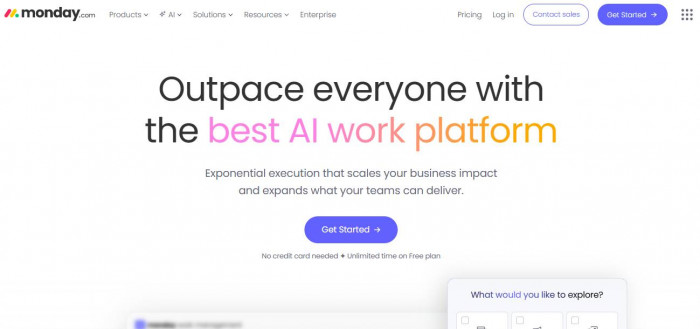
Pricing starts around $9 to $12 per user per month, but it scales quickly as you add users and features. That is one of its biggest limitations. It can become expensive faster than expected.
What it does well is usability. Compared to ClickUp, Monday feels easier to onboard and manage. What it sacrifices is depth and flexibility.
If ClickUp felt like too much freedom, both Asana and Monday provide a better balance between structure and usability.
If You Are Managing Teams
ClickUp becomes more complicated when multiple people are involved. Not because it lacks features, but because it has too many ways to organize work.
For teams, clarity matters more than flexibility. This is where tools like Trello and Basecamp become strong alternatives.
Trello is built around a simple concept: boards and cards. Tasks move across columns, and that visual flow makes it easy for teams to understand progress instantly. (https://trello.com/)
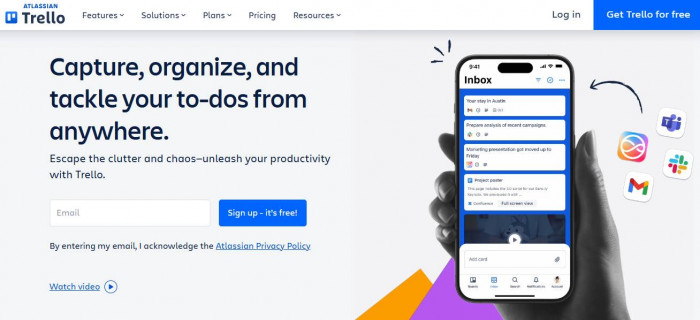
Pricing starts around $5 per user per month. Ratings are consistently strong, often around 4.5 across major platforms.
The biggest advantage of Trello is onboarding speed. New users understand it almost immediately. There is no learning curve compared to ClickUp.
But the limitation is depth. Trello is not designed for complex workflows or detailed project tracking. As projects grow, it can feel too simple.
Basecamp takes a different direction. It removes complexity almost entirely and focuses on communication, tasks, and clarity. (https://basecamp.com/)
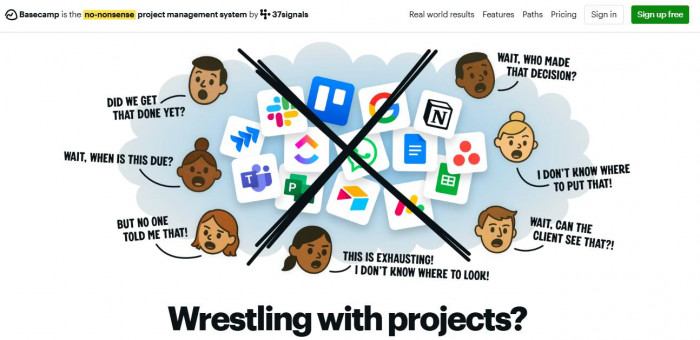
Instead of trying to be everything, it organizes work into a few core areas: message boards, to-do lists, schedules, and files.
Pricing is around $15 per user or a flat team plan. It is often preferred by teams that want less tool management and more focus on actual work.
The trade-off is features. Basecamp does not try to compete with ClickUp’s flexibility. It intentionally limits what you can do, which is exactly why it works for certain teams.
If You Want an All-in-One, But Cleaner
Some users leave ClickUp but still want the idea behind it. A single workspace where everything lives. Tasks, documents, planning, and collaboration.
For this group, tools like Notion and Coda are the closest alternatives.
Notion feels like a cleaner version of the all-in-one concept. Instead of forcing structure, it lets you build gradually. You start with pages, then add databases, tasks, and workflows as needed.
Pricing starts free and scales to around $8 to $15 per user per month. (https://www.notion.com/)
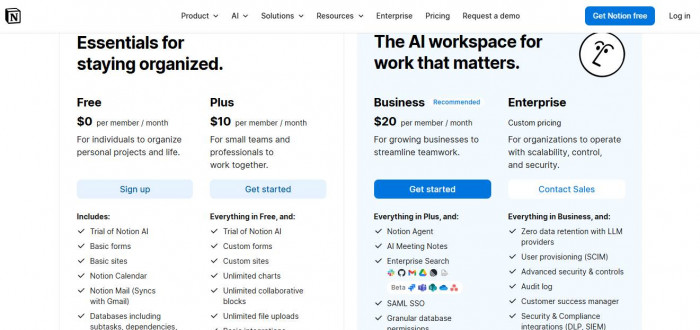
What feels better than ClickUp is the interface. It is lighter, more flexible, and less overwhelming at first. You are not forced into a system immediately.
But there is still a learning curve. Notion does not overwhelm you upfront, but complexity can build over time if you over-customize.
Coda is similar but slightly more structured. It combines documents with app-like functionality, allowing you to create workflows inside pages. (https://coda.io/)
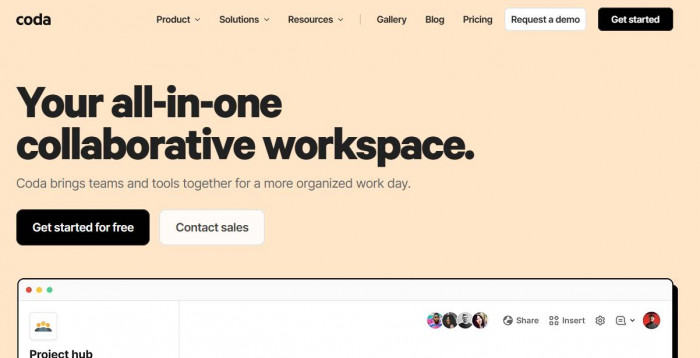
Pricing starts around $10 per month. It is powerful, but less widely adopted than Notion.
Both tools solve ClickUp’s biggest issue in a different way. They reduce initial friction, but still allow flexibility. The trade-off is that you are responsible for building your system, which can become complex if not managed carefully.
Quick Comparison Table
| Tool | Starting Price | Best For | Drawback |
| Todoist | $4/month | Simple personal task management | No advanced workflows |
| TickTick | $3/month | Lightweight planning with extras | Limited team features |
| Asana | $10.99/user | Structured project management | Less flexible |
| Monday.com | $9–$12/user | Visual workflows | Expensive at scale |
| Trello | $5/user | Simple team collaboration | Limited depth |
| Basecamp | $15/user | Team communication | Fewer features |
| Notion | Free–$15/user | Flexible all-in-one workspace | Setup required |
| Coda | ~$10/month | Document-based workflows | Learning curve |
The Pattern Most People Miss
The mistake most users make is trying to replace ClickUp with something similar.
That usually leads to frustration again.
The better approach is to step back and ask a simpler question. What is the actual job you need the tool to do?
- If your answer is task management, tools like Todoist or TickTick are enough.
- When the answer is project tracking, Asana or Monday works better.
- Are you answering team coordination? Trello or Basecamp is more effective.
- If the answer is building a flexible system, Notion or Coda is the right direction.
- ClickUp tries to solve all of these at once. Most users only need one or two.
What You Should Actually Choose (Final Take)
- For simplicity and speed, Todoist stands out as the most practical choice because it removes friction and keeps task management focused, while TickTick works better for those who want a few additional features without adding complexity.
- If you want structured workflows without the chaos, Asana provides the most balanced experience with clear organization, while Monday.com suits users who prefer a more visual and guided way to manage tasks.
- For team environments where clarity matters more than customization, Trello is the easiest tool to adopt quickly, while Basecamp is a better fit when communication and coordination are the main priorities.
- When an all-in-one system that feels cleaner than ClickUp is needed, Notion offers flexibility with a more approachable interface, while Coda is better suited for users who prefer a slightly more structured, app-like workflow.
- ClickUp itself is not a bad product, but it works best for users willing to invest time in building and maintaining their system, which can feel like unnecessary overhead for many.
- The key takeaway is that the best alternative is not the one with the most features, but the one that reduces friction in daily work and aligns naturally with how tasks and projects are managed.






Comments