
Creating a good presentation used to take hours of designing slides, aligning text, choosing colors, and fixing layouts. Today, AI tools are changing that. With the help of artificial intelligence, anyone can create clean, professional, and engaging presentations much faster even without design or storytelling skills.
Modern AI presentation tools don’t just design slides. They help generate content ideas, suggest layouts, add visuals, format text, and guide the flow of the story. This makes presentations easier for students, professionals, educators, founders, and creators who want better results with less effort.
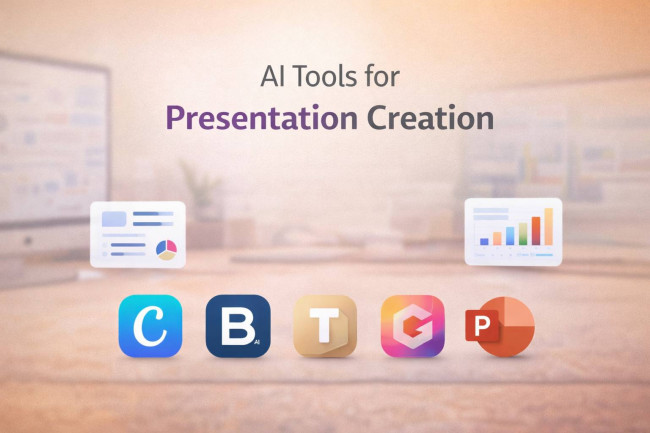
Below are five of the best AI tools for presentation creation and how you can use them.
Canva
What it is & what it does
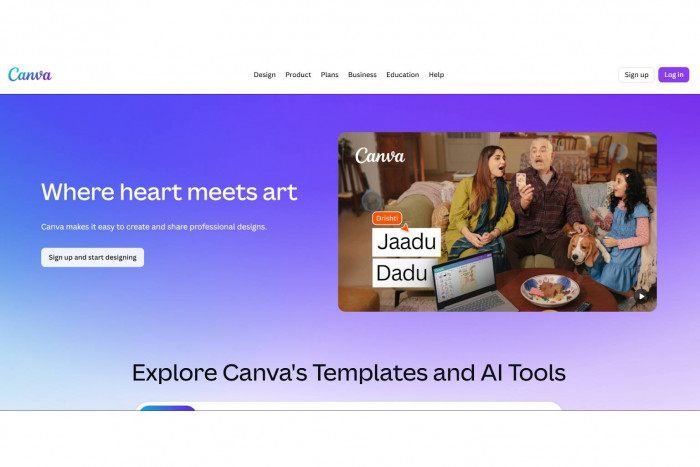
Canva is a popular design platform with built-in AI features that help users create presentations quickly using templates, text suggestions, and smart design tools. Canva
Key features
- AI-powered design suggestions
- Thousands of ready-made presentation templates
- Text-to-slide and content assistance
- Built-in charts, icons, images, and videos
- Easy drag-and-drop editor
Best suited for
- Beginners
- Students
- Marketers and social media creators
Real example
A college student uses Canva to create a class presentation by selecting a template, pasting notes, and letting Canva auto-format the slides with visuals and headings.
Pricing
- Free plan available
- Paid plans unlock premium templates and AI tools
Beautiful.ai
What it is & what it does
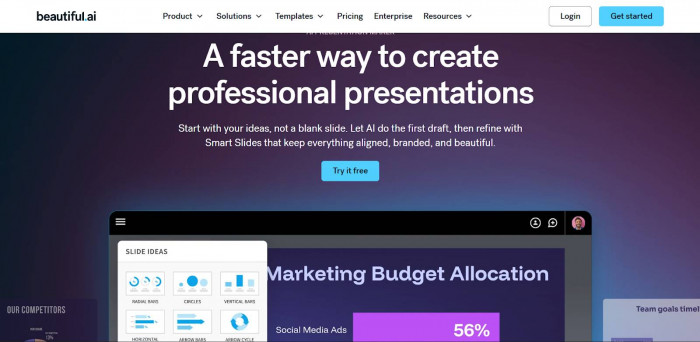
Beautiful.ai focuses on making presentations look clean and professional automatically. The AI handles spacing, alignment, and layout as you add content. Beautiful.ai
Key features
- Smart slide layouts that auto-adjust
- Consistent design across all slides
- Built-in charts and diagrams
- Brand style controls for teams
Best suited for
- Business users
- Consultants
- Startup founders
Real example
A startup founder creates a pitch deck by adding text and charts while the AI automatically keeps every slide visually balanced.
Pricing
- Free trial available
- Paid plans for individuals and teams
Tome
What it is & what it does
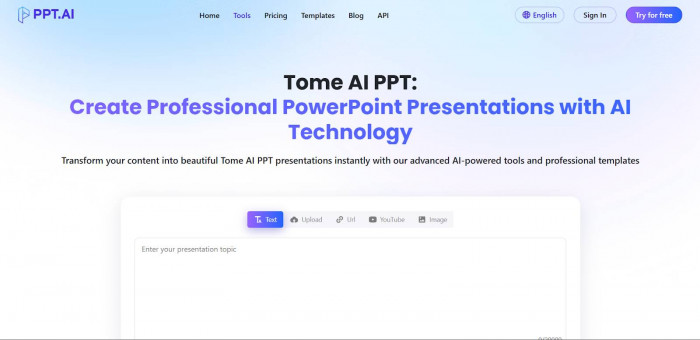
Tome uses AI to turn simple prompts into full presentations with structured slides, visuals, and narrative flow. Tome
Key features
- Prompt-based slide generation
- AI-written content and storytelling
- Image and visual suggestions
- Web-style interactive slides
Best suited for
- Creators
- Product managers
- Story-driven presentations
Real example
A product manager types a short prompt about a new app, and Tome generates a complete presentation explaining the problem, solution, and features.
Pricing
- Free version with limits
- Paid plans for advanced features
Gamma
What it is & what it does
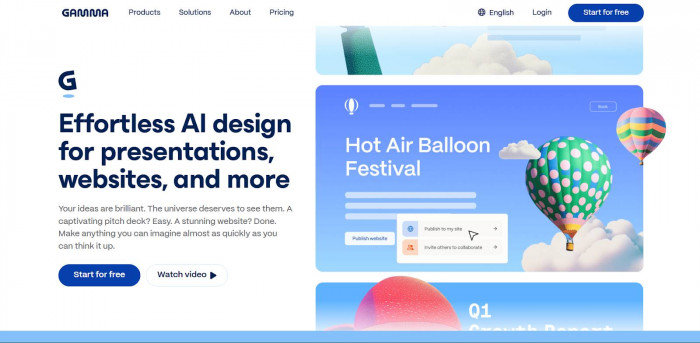
Gamma is an AI-first presentation tool that creates modern, interactive slide decks from text prompts or outlines.
Key features
- AI-generated slide decks
- Clean, modern visual design
- Easy editing without slide clutter
- Shareable and interactive presentations
Best suited for
- Professionals
- Educators
- Remote teams
Real example
A teacher pastes lesson notes into Gamma, and the AI turns them into a visually organized slide deck for online classes.
Pricing
- Free plan available
- Paid plans for advanced customization
Microsoft PowerPoint (with AI)
What it is & what it does
PowerPoint now includes AI features that help generate slide content, suggest designs, and improve structure using built-in intelligence. Microsoft PowerPoint (with AI)

Key features
- AI design suggestions
- Content and layout recommendations
- Smart charts and visuals
- Seamless integration with Microsoft tools
Best suited for
- Corporate users
- Professionals
- Enterprise teams
Real example
A business professional writes bullet points in PowerPoint, and the AI suggests layouts, visuals, and improved slide structure.
Pricing
- Included with Microsoft 365 subscription
Quick Comparison of AI Presentation Tools
| Tool name | Main features | Ease of use | Best use case | Pricing tier |
| Canva | Templates, AI design, visuals | Very easy | Creative & simple presentations | Free + Paid |
| Beautiful.ai | Auto layouts, clean design | Easy | Business & pitch decks | Paid |
| Tome | AI storytelling, prompt-based slides | Easy | Narrative presentations | Free + Paid |
| Gamma | AI slide generation, modern design | Easy | Education & professional decks | Free + Paid |
| Microsoft PowerPoint | AI design & content suggestions | Moderate | Corporate presentations | Paid |
How to Choose the Right AI Presentation Tool
- For simple and fast slides: Choose tools with templates and drag-and-drop editing like Canva.
- For business or pitch decks: Tools that auto-handle layout and consistency, such as Beautiful.ai, work best.
- For storytelling and ideas: Prompt-based tools like Tome are great for turning ideas into narratives.
- For structured lessons or reports: Gamma helps organize long content into clean slides.
- For office and team use: PowerPoint is ideal if you already work inside Microsoft tools.
Why AI Makes Presentations Better and Faster
AI presentation tools remove the hardest parts of slide creation design, formatting, and structure. They help you focus on ideas instead of layouts, save hours of manual work, and produce polished results that look professional. Whether you’re a student, educator, marketer, or business professional, these tools make creating great presentations easier than ever.









Comments