
Project management is less about sticky notes and spreadsheets, and more about how we connect, share, and coordinate efforts online. Whether your team is remote or dispersed across departments, digital platforms are now the scaffolding that supports modern collaboration, visibility, and outcomes.
Let’s explore how online tools transform the way teams execute projects from daily planning to big-picture strategy with real-world applications that every manager and contributor will recognize.
Top 5 Online Project Management Tools: Features, Pricing & Purposes
1. monday.com
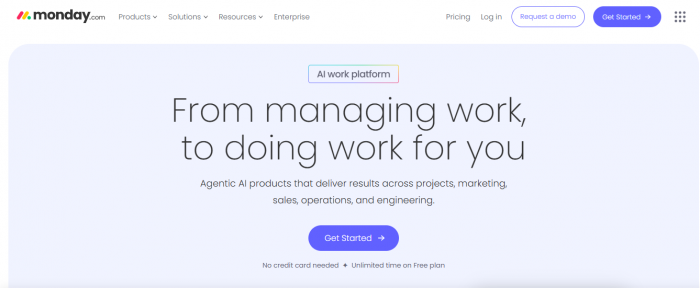
- What It Does: A flexible platform for organizing projects, visualizing work, automating processes, and tracking progress for teams of any size.
- Key Features: Customizable boards, Gantt charts, task dependencies, automation rules, integrations (Slack, Google, Microsoft), time tracking, dashboards, and scalable templates.
- Pricing: Free plan for individuals; paid plans start at around $9/user/month (Basic), $12/user/month (Standard), and $19/user/month (Pro)—billed annually, with enterprise options available.
- Where It Fits: Versatile for startups, agencies, and corporates seeking comprehensive project visibility and automation.
2. Wrike
- What It Does: Provides robust tools for task management, real-time collaboration, reporting, AI-powered automation, and visual dashboards, suitable for cross-team projects.
- Key Features: Custom dashboards, workflow automation, built-in reports, time tracking, file sharing, real-time updates, AI risk analysis, and extensive integrations.
- Pricing: Free plan available for small teams; paid plans start at $10/user/month (Team), with higher tiers offering additional features.
- Where It Fits: Best for organizations needing advanced analytics and process automation.
3. Smartsheet
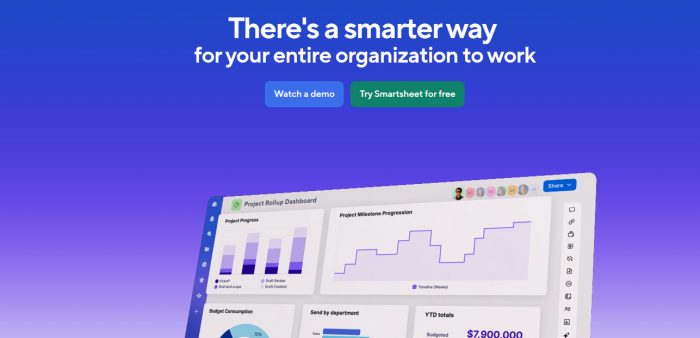
- What It Does: Combines the familiarity of spreadsheets with project management tools. Used for mapping timelines, tracking resources, and reporting across large teams.
- Key Features: Gantt charts, dynamic reports, automated workflows, dashboards, extensive template library, and cross-departmental sharing.
- Pricing: No free plan; 30-day trial available. Paid plans start at $12/user/month.
- Where It Fits: Ideal for organizations working on data-heavy or multi-stage projects.
4. Jira Software
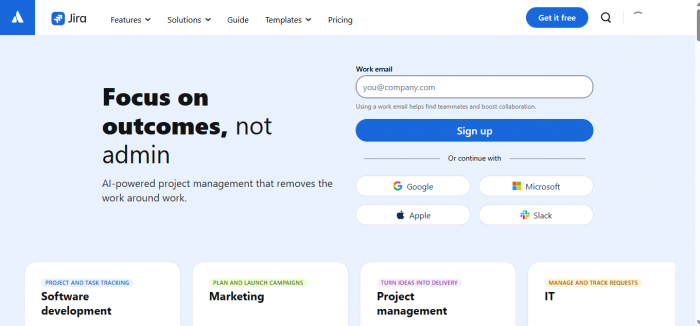
- What It Does: Specializes in issue tracking and agile project management, favored by software and engineering teams.
- Key Features: Scrum boards, sprint planning, bug tracking, customizable workflows, extensive third-party integrations (Github, Salesforce), and reporting.
- Pricing: Free plan for up to 10 users; paid plans start at $8.15/user/month, scaling with features and support needs.
- Where It Fits: Suited for development teams practicing agile/scrum methodologies.
5. Trello
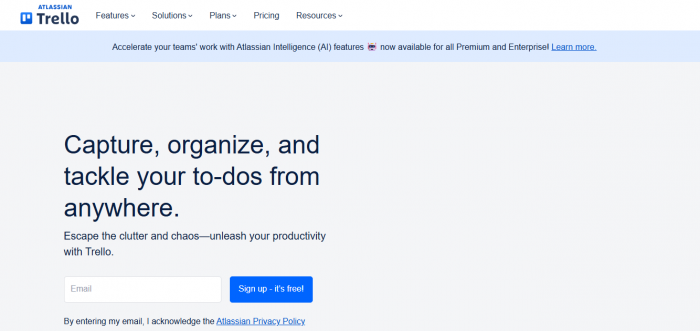
- What It Does: A visual platform using boards, lists, and cards to track tasks, collaborate, and organize any project workflow.
- Key Features: Drag-and-drop task cards, checklists, labels, deadlines, Power-Ups (add-ons), integrations (Google Drive, Slack, Jira), and mobile access.
- Pricing: Free basic plan; paid plans start at around $5/user/month for advanced automation and integrations.
- Where It Fits: Great for small teams, startups, and simple project workflows; also adopted in education and creative fields.
Summary Table
| Tool | Pricing (Starting) | Key Features | Best For |
|---|---|---|---|
| monday.com | $9/user/month | Boards, automation, charts, templates | General teams, SMBs, agencies |
| Wrike | $10/user/month | Dashboards, automation, AI, time tracking | Cross-functional teams, enterprises |
| Smartsheet | $12/user/month | Gantt, reporting, spreadsheets, automation | Large, data-heavy projects |
| Jira | $8.15/user/month | Agile boards, bug tracking, integrations | Software/dev teams |
| Trello | $5/user/month | Kanban boards, add-ons, integrations | Small teams, simple workflows |
These platforms simplify complex projects, increase transparency, and make teamwork more efficient. Each offers cloud-based access, handy features, and trial periods so you can test what works best for your team.










Comments